PDF & DOCX
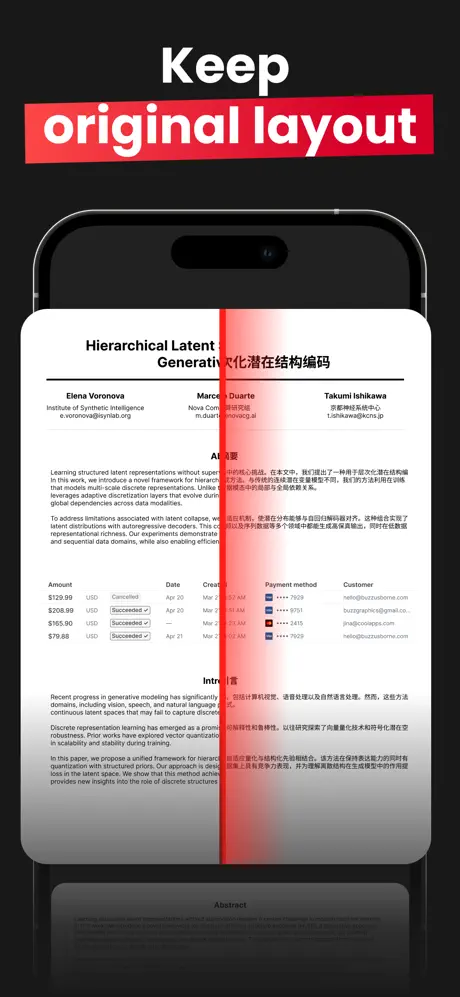
Native support for PDF and Word documents. Tables, columns, headings, and spacing stay close to the source.
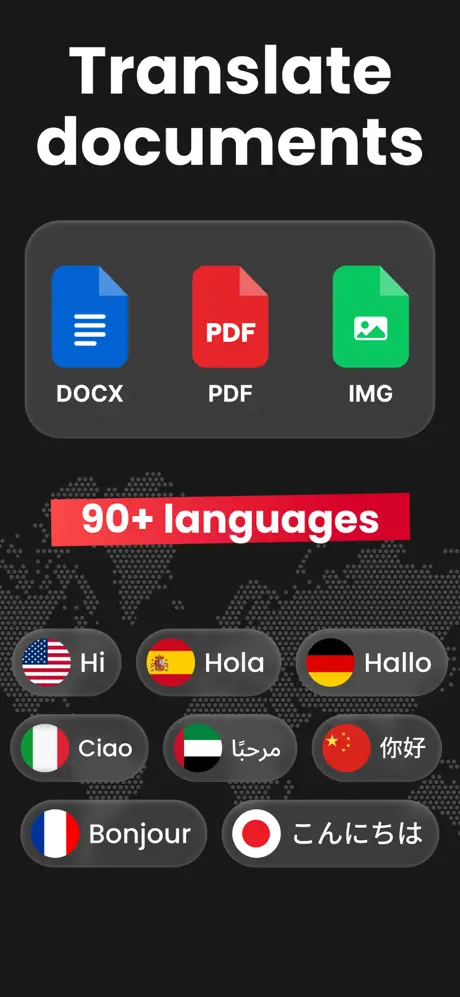
Scan, upload, or import. Then translate your PDF, DOCX, or image into 90+ languages without losing the original layout.
Contracts, invoices, research papers, IDs. Translate them without the mess of copy-paste or broken formatting.
Native support for PDF and Word documents. Tables, columns, headings, and spacing stay close to the source.
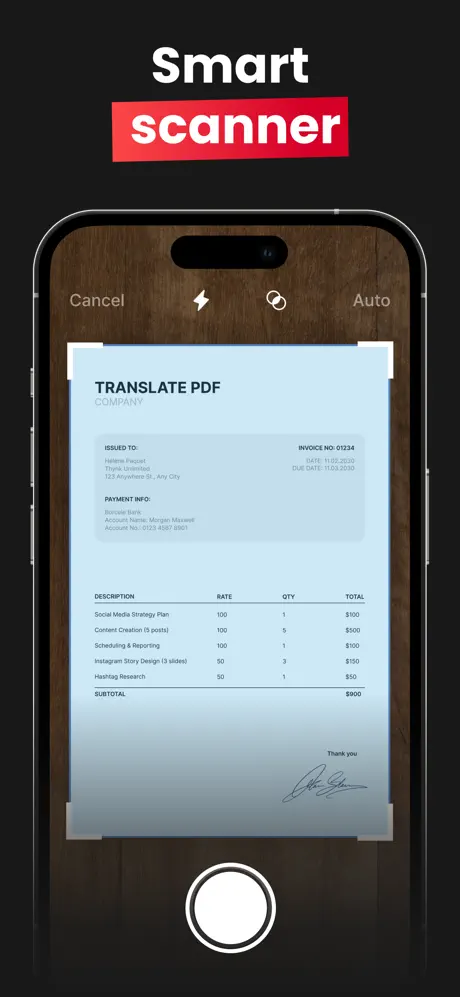
Point your camera at a page. OCR reads the text while the translated document keeps the original look.
Translate PDFs, scans, and documents across the languages you actually need for work, study, and travel.
AI-powered formatting keeps fonts, spacing, and tables in place so the result does not feel like raw extracted text.
We do not keep your files. Documents are processed over HTTPS and removed after translation.
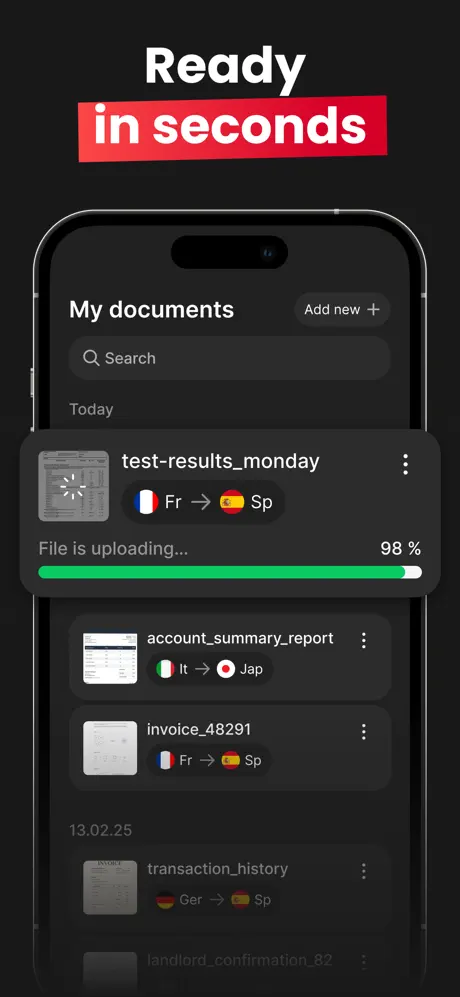
Most documents finish quickly. Watch progress live, then preview, export, and share from your iPhone or iPad.
Unlike copy-paste translation tools, the translated page is rebuilt on top of the original structure. Tables, columns, headings, and styling stay where you expect them.
Got a paper contract or printed receipt? Scan it in-app. The scanner captures the page, prepares the image, and sends it into the translation workflow.
Pick files from your device, iCloud Drive, or Photos. Set the source and target language, then export a translated document that is ready to review.
Import a PDF or DOCX, pick an image from your library, or scan a printed page with the in-app camera.
Auto-detect the source language or set it yourself. Pick any of 90+ target languages.
Preview the translation alongside the original, export as PDF, and share without leaving the app.

Free to download. 90+ languages. Original layout, preserved.
Download on the App Store